Lunarc
Arch Linux with the Hyprland window manager, set up as a complete desktop. The disk is encrypted by default, a snapshot is taken before every update, and the system sends no telemetry: every connection it makes is listed.
What's included
-
Desktop
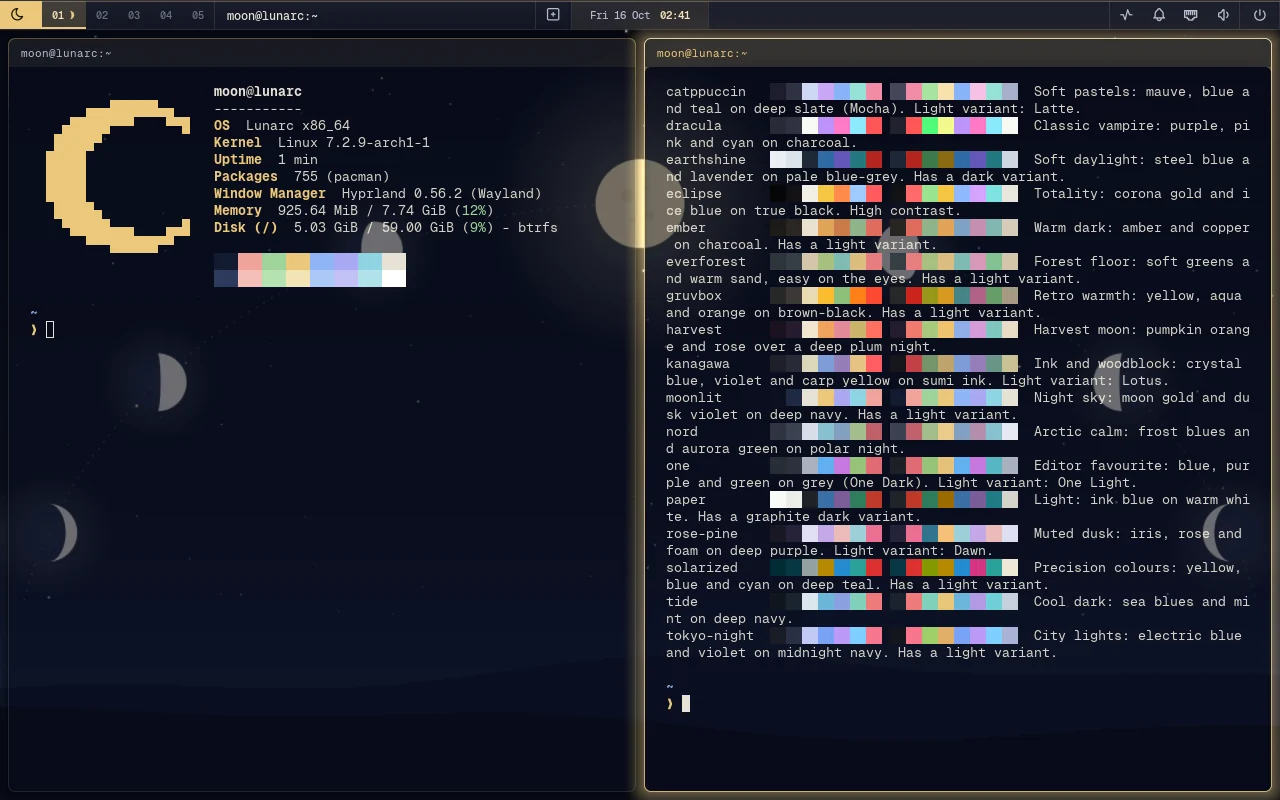
Windows tile into place with Hyprland. The bar stays small and shows a feature only while it's switched on.
-
Apps
Firefox, Files, a PDF reader, Pika Backup and other everyday apps come installed. Common video and music formats play without extra installs. Steam, LibreOffice, Obsidian and VS Code are in the app catalog.
-
Security
The installer encrypts the whole disk unless you turn it off, and backups are encrypted before they leave the computer. A firewall blocks incoming connections.
-
Snapshots
Lunarc saves a snapshot of the system before each update. If an update breaks something, go back with one command, or pick the earlier snapshot from the boot menu.
-
Privacy
Lunarc itself collects nothing and tracks nothing. The apps it includes keep their makers' settings; where an app's opt-out can be set for the whole system (developer tools, the desktop shell), it's set, and apps from the catalog get theirs turned off where the app allows it. Turn anything back on that you want, on your terms. The privacy page lists each connection and how to change it.
-
Themes
Pick from 17 themes, most with a light and a dark version. Corners can be square or rounded, and blur can be turned off.
-
Dual boot
Install into the free space on a disk that already has Windows. Windows stays as it was, and the boot menu lets you choose either one when the computer starts.
-
Keyboard first
Hotkeys open apps and common actions, and each one can be changed. The Lunarc menu, on SUPER+Space, is an app launcher and a command line in one. Type a few letters to open an app, change a setting or install software. See the keys.
Screenshots
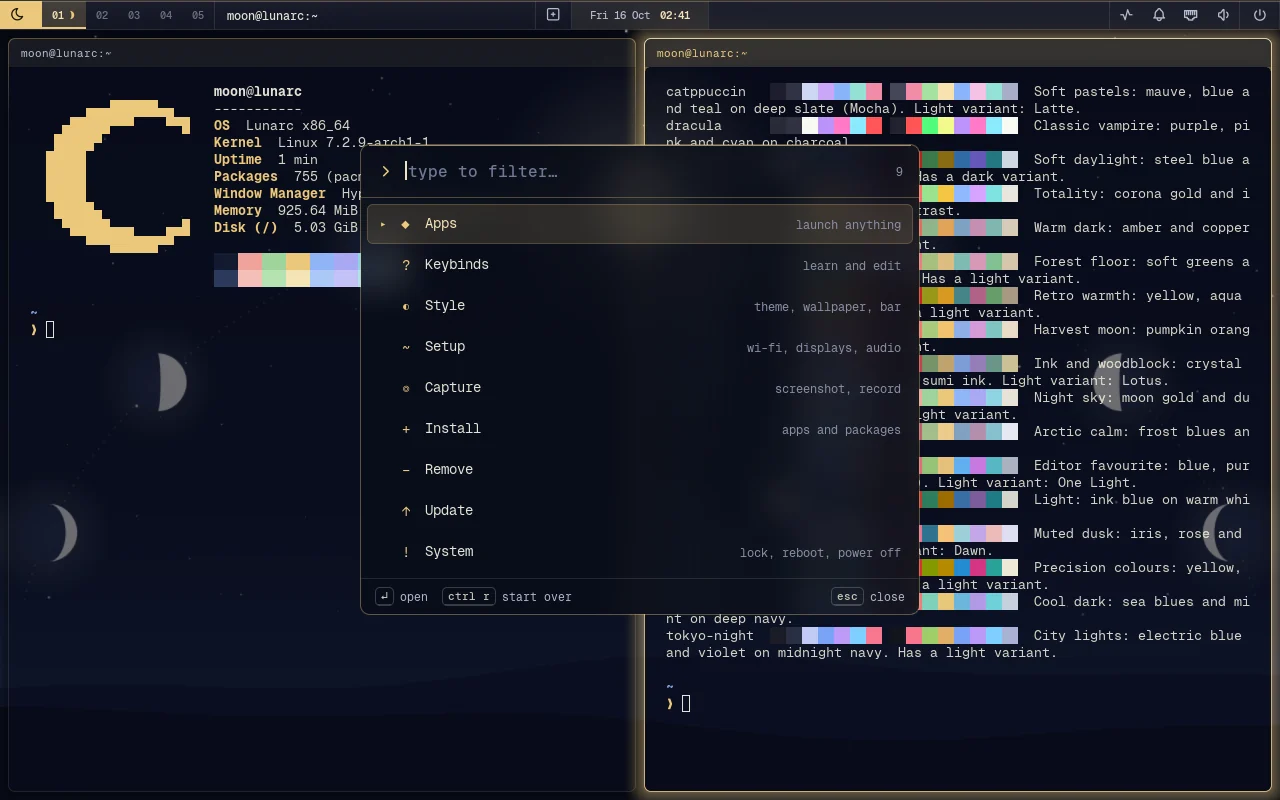
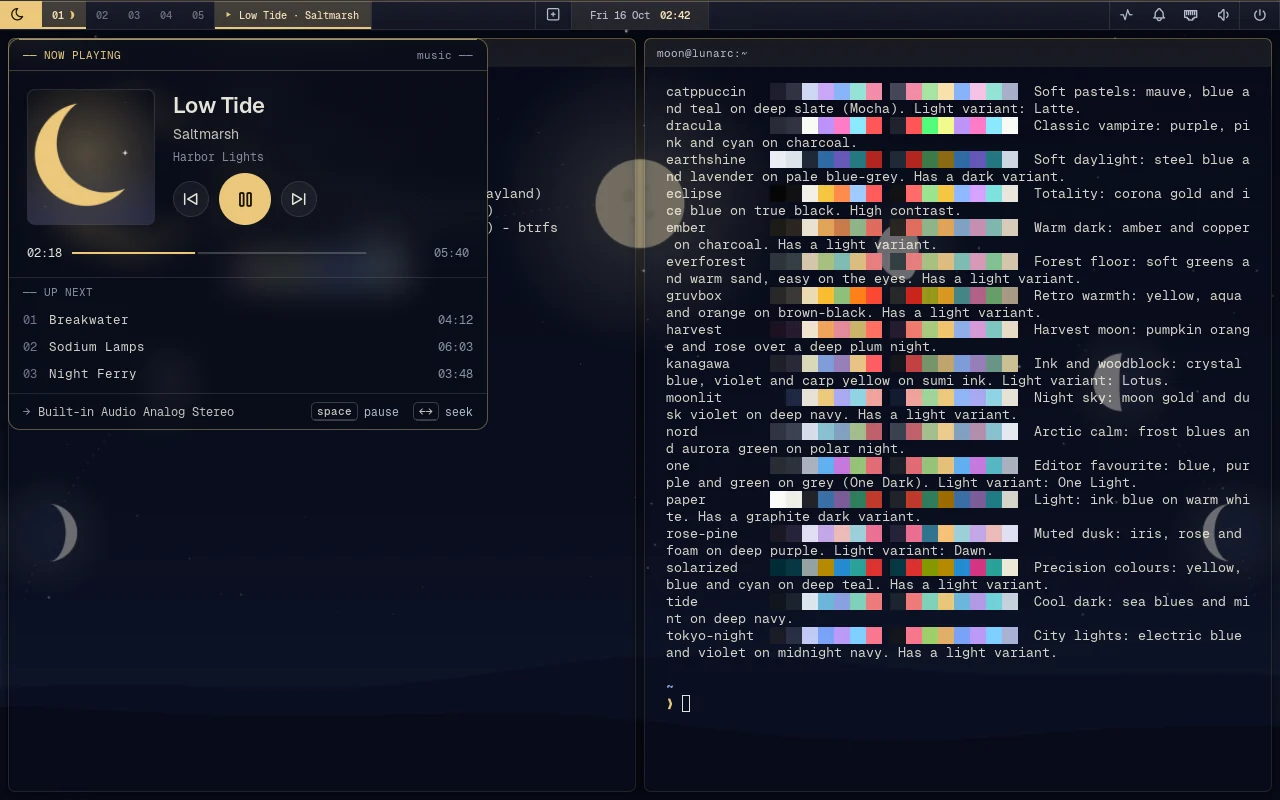
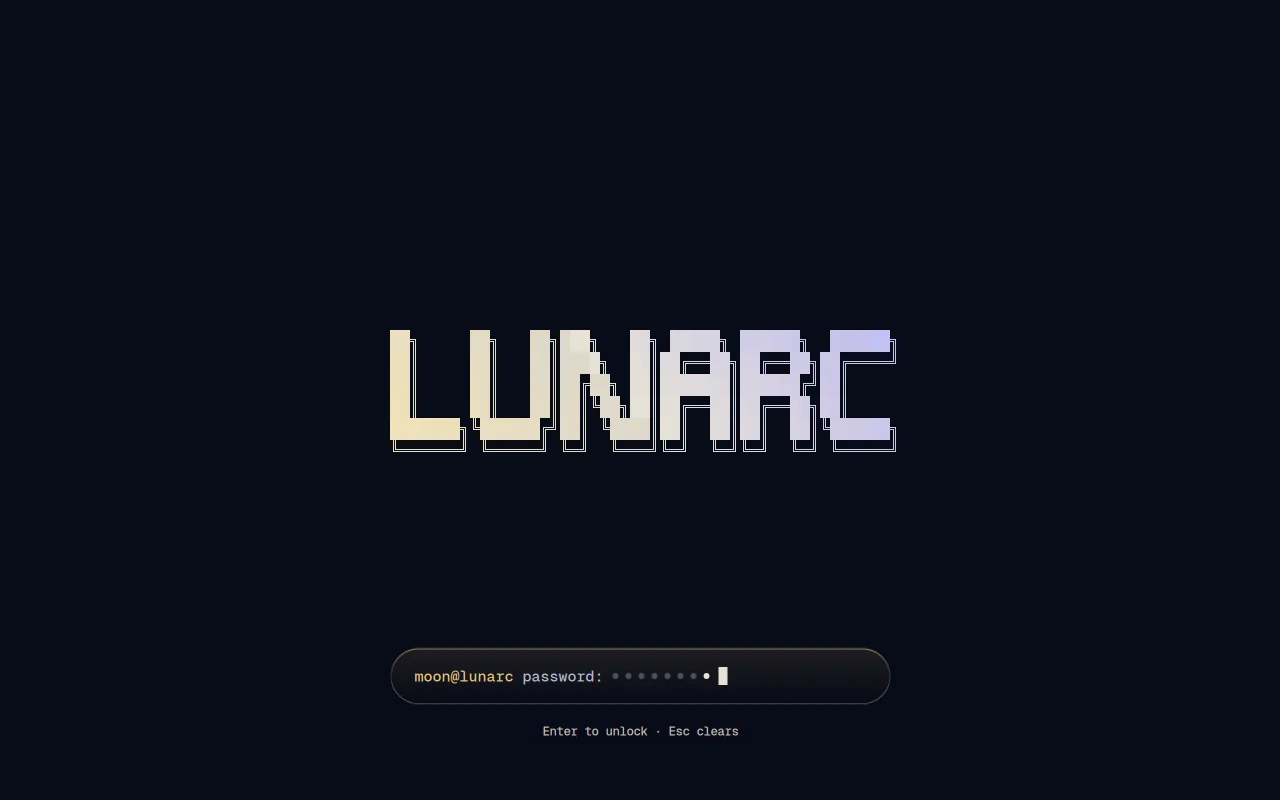
Taken in a virtual machine, which draws no blur behind windows and panels.